Turn delivered work into your next job
Pick review videos from any project, or upload new ones, and turn them into a branded showcase with a full-screen player. Then share one link, open to anyone who has it or protected with a password.

Property films, product spots and wedding details from the past year.
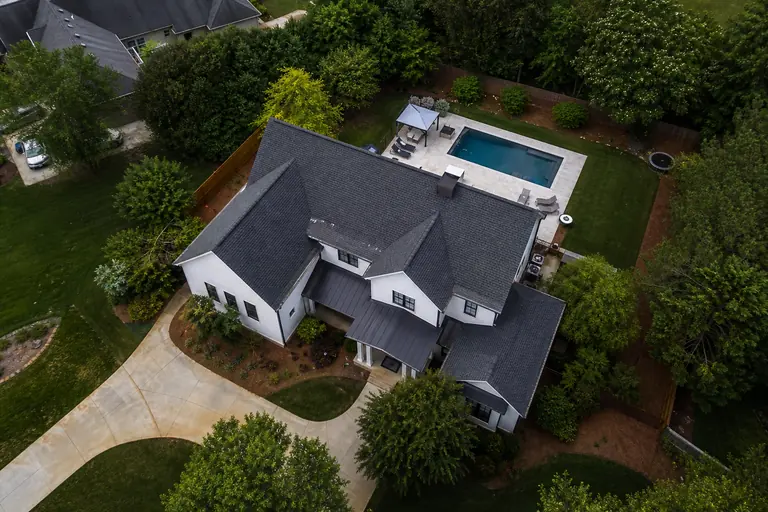
Ridgeline Estates: Launch Film

Chronos Watch: Product Spot

Harbour House Wedding: Details
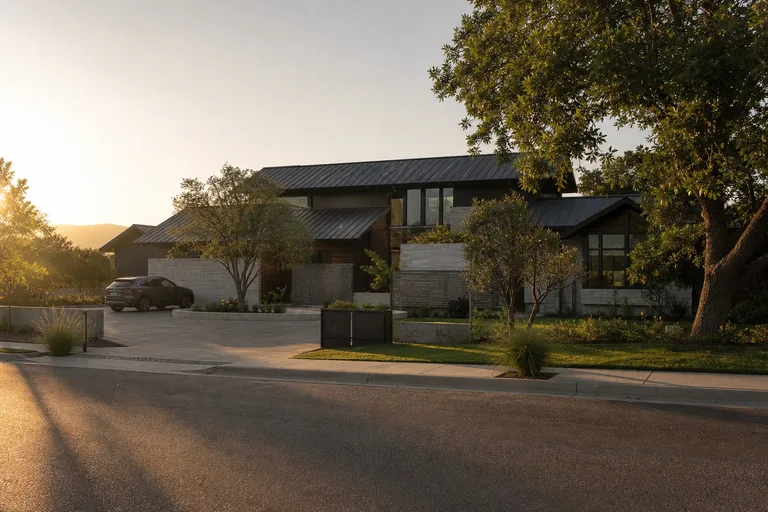
Ridgeline Estates: Sunset Drive-by
Report this showcasePowered by MyStdioPrivacy Policy
A sample showcase for a fictional studio. The stills are AI-generated images.
What video portfolio software actually does
Video portfolio software turns finished films into a page a prospective client can open, play and pass around, in place of a folder of files or a list of links.
For a video studio, the useful version sits beside the work itself. The films are already in your projects, so making the page is a matter of picking them, not exporting and uploading them again.
Pick the films, skip the re-upload
Open a showcase and browse your review videos, the ones in All Videos, across every project and client, then tick the ones you want and add them. If the latest cut is not the one to show, pick an earlier version. Or drop a video file straight into the showcase.
- Search by video title, project or client, and add several videos at once.
- Drag the films into the order you want, and rename any of them for the page without touching the original.
- Pick each thumbnail from a frame of the film, or upload an image instead.
- Add a cover image, a title and a short description for the top of the page.
Ridgeline Estates: Launch Film
Ridgeline Estates Launch
Chronos Watch: Product Spot
Chronos Launch
Harbour House Wedding: Details
Direct upload
Browse Videos
Ridgeline Estates: Sunset Drive-by
Ridgeline Estates · Ridgeline Estates Launch
Ridgeline Estates: Pool Teaser
Ridgeline Estates · Ridgeline Estates Launch
One link, three ways to open it
Every showcase has its own link. Send it with a proposal or paste it into an email, and change who can open it whenever you like.
- Open the link to anyone who has it, or protect it with a password. A private link asks for a login and then checks it against your team's access to showcases.
- A password link opens on your logo (or studio name), the showcase name and a password box.
- Set an expiry date and time, and the link stops working once it passes.
- Give the link a readable name as well, such as /showcase/highlights-2026, and the random link keeps working. Link names are shared across MyStdio, so a common one may already be taken.
Highlights 2026
Enter the password to view this showcase
Your films, full screen
A showcase opens on a dark page: your title and description, over your cover image if you added one, then a grid of your films. Click one and it plays full screen, with its controls in your brand color and previous and next buttons to move between films.
- Your logo or studio name sits at the foot of the page. If you have added a booking link in your settings, a booking button that opens it sits there too, labeled Book a call unless you choose your own words.
- The download buttons appear only when you turn downloads on for that showcase, and a new showcase starts with them off.
- With them on, a video downloads as an MP4 of up to 720p, and a file you added downloads as the original. Turning downloads off hides the buttons; it is not copy protection.
Ridgeline Estates: Launch Film
1 / 4The still is an AI-generated image.
Where showcases sit in the plans
Free
$0/mo
- 5 GB storage
- 5 client companies
- 2 team members
- 5 quotes & 5 invoices
Solo
$19/mo
- 1 TB storage
- 25 client companies
- 3 team members
Studio
$49/mo
- 3 TB storage
- 10 team members included, then $10/seat
- Custom domain
Monthly prices in USD.
Showcases are on every plan. Free includes 1 showcase, Solo includes 5, and Studio and above have no limit on how many showcases you make. On Free, each showcase shows a small Powered by MyStdio line in its footer, and every paid plan leaves it off. Every plan gives the link a yourstudio.mystdio.com address; your own domain is on Studio and above.
Eight things to check in video portfolio software
The first four are about building the page. The last four are about the people you send it to.
- 01
It uses the work you already made
Pick review videos from any project, in any version, without exporting and uploading them again.
- 02
You control the order
Drag the films into the order you want, and rename any of them for the page.
- 03
You pick the thumbnails
Choose a frame from the film or upload an image for each one.
- 04
It carries your brand
Your cover image, your logo or studio name, and your brand color on the player.
- 05
You choose who can open it
Public, password-protected, or private with a login and a team access check, set per showcase.
- 06
Links can expire
Set a date and time after which the link stops working.
- 07
Visitors need no account
Nobody signs up to watch a public or password-protected showcase.
- 08
It plays properly on a phone
The page and its full-screen player are built for phone screens as well as desktops.
MyStdio answers yes to all eight.
Three places to put your showreel
Honest take. Each one is the right answer for someone, depending on where your films live and who you want to see them.
A video host
YouTube, Vimeo
The natural home for a film you want in front of the widest possible audience.
- Built to host video
A website builder
Squarespace, Wix, WordPress
The right answer when the reel is one part of a full studio website you design yourself.
- Built for a whole website


Client workspaces
The showcase sits beside the projects its films came from, so making one means picking finished work, then sending a link.
- Films from any project, or uploaded
- Thumbnails and a cover
- Order and titles
- Link previews
How MyStdio builds the showcase
Edit Thumbnail
Pick from Video
The still is an AI-generated image.
Thumbnails and a cover
Pick each thumbnail from a frame or upload one, and add a JPG, PNG or WebP cover image.
vantagefilms.mystdio.com/showcase/highlights-2026
Vantage Films
Vantage Films Showcase
Link previews
Paste a link on your MyStdio address into Slack, LinkedIn or WhatsApp and the preview carries your studio's name, and your logo if you have added one.
Files
Proposal.pdf
4.2 MB
Location Stills.zip
12.8 MB
Files alongside
Add PDFs, images (JPG, PNG, GIF or WebP), Word documents or ZIPs, up to 100 MB each, for visitors to download when downloads are on.
Related guides
Client portal for video production
The branded portal your clients log into, and the checklist for choosing one.
Social media scheduler for video studios
Scheduling and client sign-off for the posts your films turn into.
MyStdio for wedding videographers
How wedding studios deliver films to couples through MyStdio.
MyStdio for real estate videography
How property video studios deliver listing films through MyStdio.
Common questions
Put your best films on one page
Pick the films, choose who can open the link, and send it.
Build your showcase freeEvery account starts with a full Studio trial.