Paste a script. Get a storyboard.
Beta
Paste a script, a brief or a one-line idea. The AI plans the shots and draws each frame in one of seven styles, using your reference images of the cast and locations. Then share the board with your client, or export it as a PDF.
Warm late-afternoon light, soft shadows, muted amber and sage palette. Smooth gimbal moves.
EXT. RIDGELINE ESTATES, GOLDEN HOUR. The drone rises over the tree line and finds the first homes. Inside the show home, the last light runs along the kitchen island.
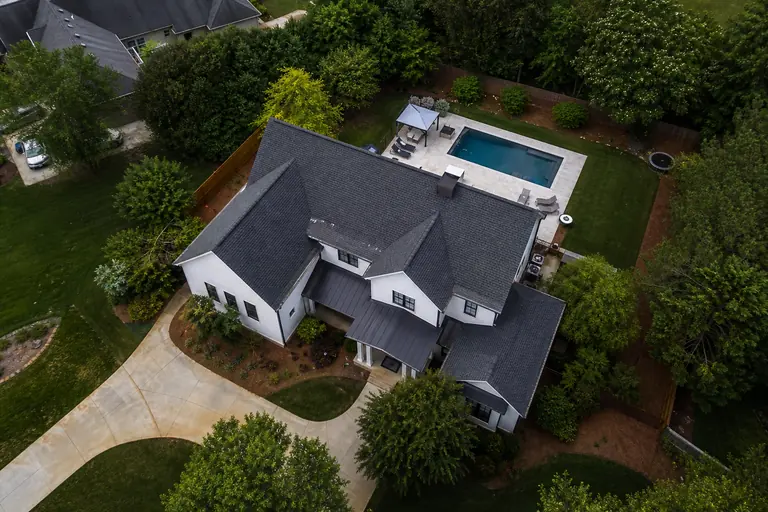
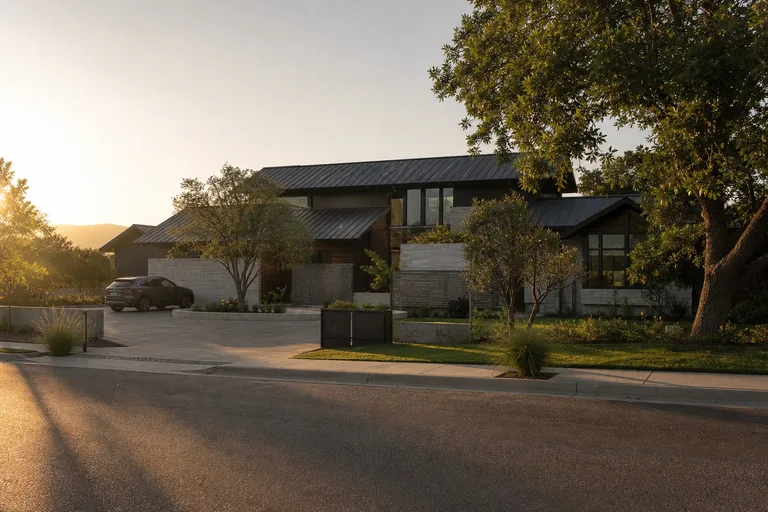
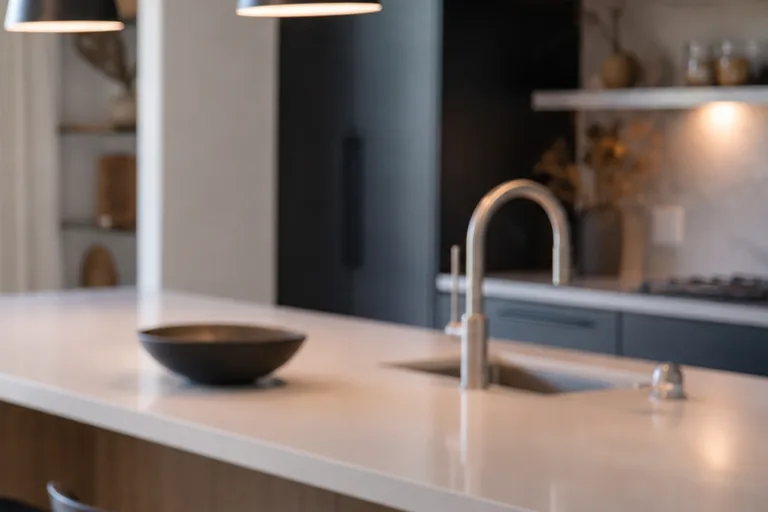
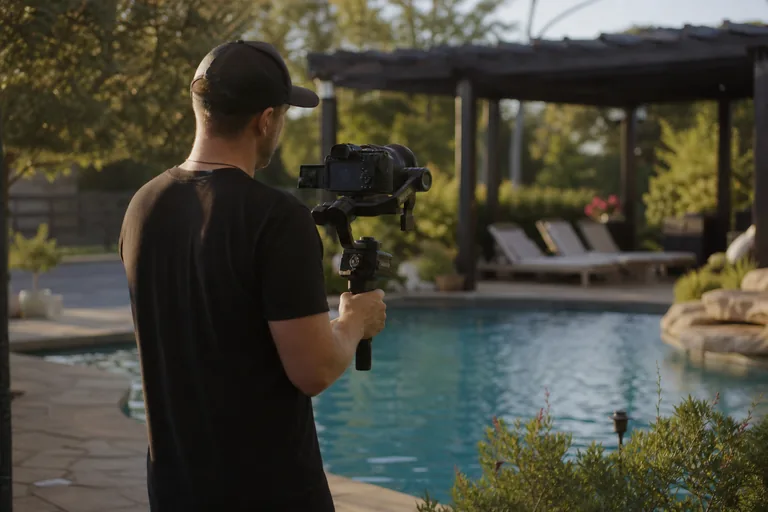
A slow push along the island toward the tap, as the last of the sun warms the stone and the bowl catches the light.
Illustration of the studio. The frames are AI-generated images.
What an AI storyboard generator actually does
An AI storyboard generator turns a script or a brief into a sequence of pictures, one per shot, so everyone can see the video before anyone films it.
A video studio needs a little more from one. The frames have to keep the same cast and locations from shot to shot, carry the notes a crew shoots from, and go to the client for sign-off before the shoot.
Your script in, a drawn shot list out
Paste a script or a brief, upload it as a PDF, Word (.docx) or plain-text file, or start from a one-line idea. The AI plans the shots, giving each one a shot size, camera movement, lighting and duration, then draws the frames one after another in the style you picked for the board.
- Seven styles, five frame shapes: Pick one of seven styles for the board, from B&W Sketch to Photorealistic, and one of five frame shapes: 16:9, 1:1, 4:3, 4:5 and 9:16.
- Reference images from the script: Let the AI read the script first and list its characters, locations, sets, props and costumes, then choose which ones become reference images. You can upload your own too.
- Frames drawn from your references: Each frame is drawn from up to four of your reference images, and in a full run from the frame before it too, to help the cast and locations stay the same from shot to shot.
- Four kinds of shot note: Voiceover lines, dialogue, audio cues and on-screen text are written notes on each shot, and with on-screen text turned on, the AI also draws that text into the frame. All four start switched off, so the AI writes none of them until you turn them on.
Board settings
Pick the render style and frame size for this board.
Board render style
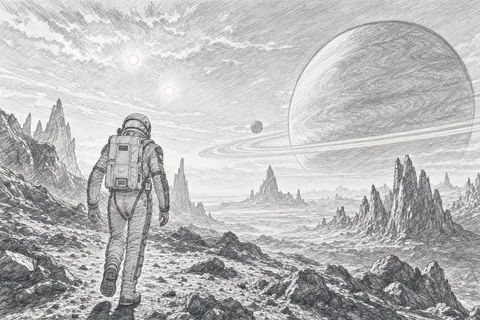






Frame size
Send the board to your client
Share a storyboard by link, or email the link from the same dialog. Your client can comment on the whole board or on one frame, then approve it or ask for changes, and the storyboard's creator gets an email digest of what came back.
- Open the link to anyone who has it, protect it with a password, or make it private, which asks for a login first.
- Whoever opens the link can approve or ask for changes by typing a name, so send it to the people you want deciding.
- Storyboards never appear in your client's portal. A board reaches your client only through a link or a PDF you share.
- Export the board as a PDF: one frame per page with its shot notes, headed with your studio's name, and your logo if you have added one. In the PDF export, every frame sits in the same wide box, so the top and bottom are cropped, most of all on a square or vertical frame.
- The shared page marks the board as AI-generated.
Ridgeline Estates Film
Ridgeline Estates Launch · Vantage Films · Storyboard
#1 Aerial over the estate
Share storyboard
Ridgeline Estates Film · 5 shots
Send via email
Preview link
Anyone with the link can view and comment, no account needed.
Export as PDF
Shot list + frames, print-ready.
Pin the note. Redraw the frame.
Click a frame to drop a pin where something should change, and write what it is.
- Regenerate sends that one frame back to the AI with its open pin notes, as a revision of the current image rather than a new drawing, and each regenerate of a frame adds a version to it that you can switch back to with a click.
- You can also edit a shot's prompt, shot size, camera movement, lighting and duration by hand.
- A frame is charged only once its image is ready, so a render that fails is not charged, and each regenerate is charged again.
Click the preview to drop a pin.
Illustration of the studio. The frames are AI-generated images.
Where AI storyboards sit in the plans
Free
$0/mo
- 5 GB storage
- 5 client companies
- 2 team members
- 5 quotes & 5 invoices
Solo
$19/mo
- 1 TB storage
- 25 client companies
- 3 team members
Studio
$49/mo
- 3 TB storage
- 10 team members included, then $10/seat
- Custom domain
Monthly prices in USD.
The AI Storyboard Studio is on the Solo plan and above, and Free does not include it. A standard signup starts on a 7-day Studio trial, which includes it. Solo allows 5 storyboards over the life of the account. Boards made on the trial count toward them, and deleting one does not free a slot. Studio and above have no cap on the number of storyboards. AI credits set how much you can draw: every frame uses 8 to 24 credits depending on the style, and reading the script, planning the shots and drawing reference images use credits too. An owner or admin can buy more credits in a credit pack. The AI Storyboard Studio is a public Beta.
Eight things to check in an AI storyboard generator
The first five are about the frames. The last three are about your client and the cost.
- 01
It starts from your script
Paste a script or a brief, upload a PDF, Word (.docx) or plain-text file, or start from a one-line idea.
- 02
It plans shots, not just pictures
Every planned shot comes with a shot size, camera movement, lighting and duration you can edit.
- 03
It draws from your references
Characters, locations, sets, props and costumes can become reference images that the frames are drawn from.
- 04
You choose the look
Seven styles and five frame shapes, each a single setting for the whole board.
- 05
You can fix one frame
Pin a note on it and regenerate just that frame, with its earlier versions a click away.
- 06
Your client can answer
A share link lets them comment on the board or on a frame, and approve it or ask for changes.
- 07
It exports a PDF
One frame per page, with its shot notes.
- 08
The cost shows up front
The Compose button shows the estimated credits before anything is drawn, and a render that fails is not charged.
MyStdio answers yes to all eight.
Three ways to storyboard a video
Honest take. Each one is the right answer for someone, depending on who draws the frames and who has to sign off on them.
Drawing it yourself
Pen and paper, or a drawing app
Every panel is exactly what you meant, drawn by whoever on the team can draw.
- Full control of every frame
Storyboard software
Boords, Storyboarder, Storyboard That
The natural home for a team that storyboards every project.
- Software built around the storyboard
Client workspaces
The storyboard sits in the project, next to the review, the files and the invoice, and reaches the client as a link they can comment on and approve.
- Script, brief or idea
- A cast list from the script
- Pins and versions
- Share and sign-off
How MyStdio draws the board
Script, brief or idea
Paste a script or a brief, upload a PDF, Word (.docx) or plain-text file, or start from a one-line idea.
A cast list from the script
The AI lists the characters, locations, sets, props and costumes it finds, and you choose which ones get a reference image.
Seven styles, five shapes
B&W Sketch, Color Sketch, 2D Animation lo-fi, 2D Animation hi-fi, 3D Animation lo-fi, 3D Animation hi-fi and Photorealistic, in 16:9, 1:1, 4:3, 4:5 and 9:16 frames.
Pins and versions
Drop a pin on a frame, regenerate it with the note, and switch back to an earlier version with a click.
Share and sign-off
A link your client can comment on and approve or send back, open to anyone who has it, or behind a password or a login.
A likeness check
If the likeness check finds a real person named in a shot's prompt, the studio asks you to confirm you have the rights to their likeness before it draws the frame.
Related guides
Client portal for video production
The portal the rest of the project runs through, and the checklist for choosing one.
Video review software
Comments and approvals on the cuts that come after the storyboard.
MyStdio for video production agencies
How MyStdio fits a studio running work for many clients.
The MyStdio blog
Guides on running a video production studio.
Common questions
Storyboard the next script before the shoot
Paste it in, pick a look, and send the board to your client.
Start freeEvery account starts with a full Studio trial.