Run a one-person studio
that feels like ten
Your client sees a branded portal, a polished review, a clean invoice, and a final download in one place. You stop paying for six separate tools and stitching them together with email. Start on the free plan and upgrade when you outgrow it.
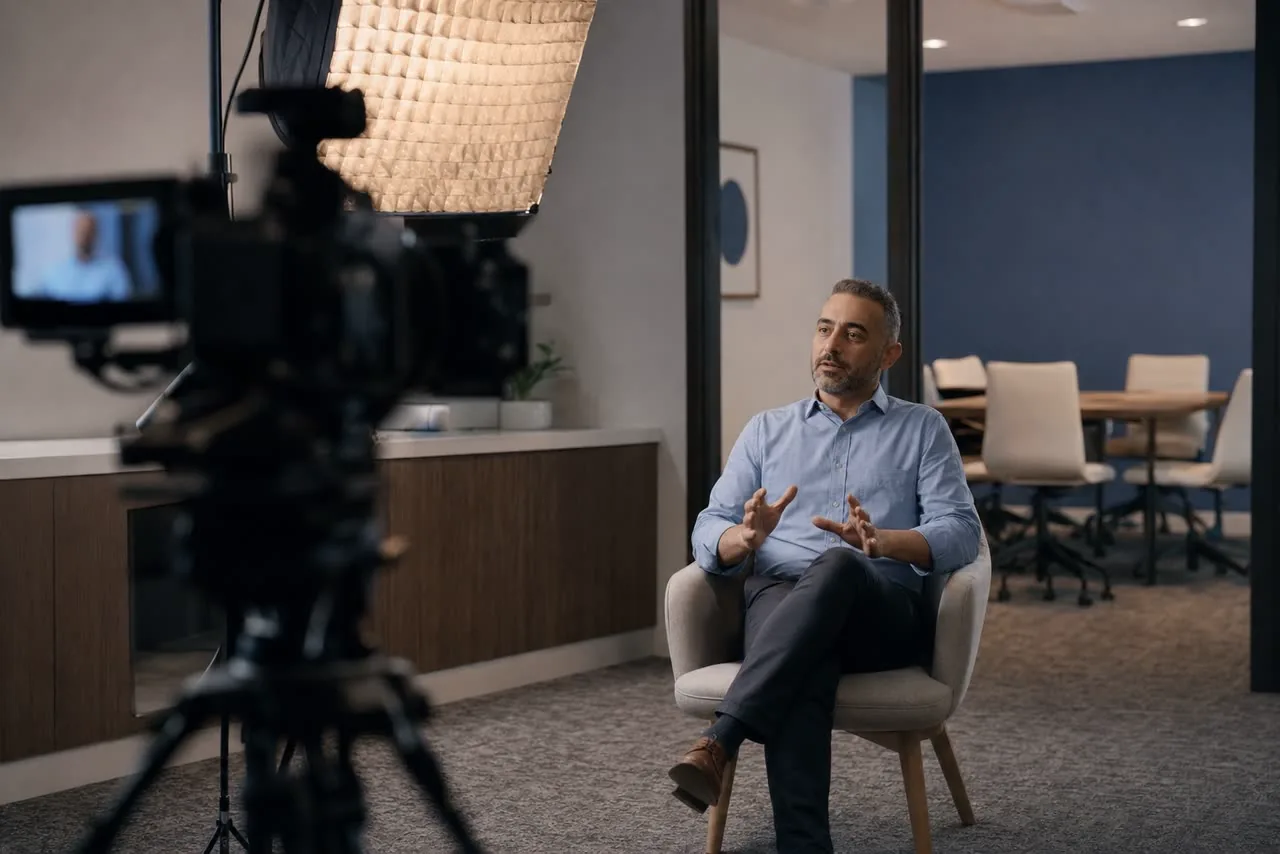
The images in this preview are AI-generated.
Why freelance video is different
Agencies have ops people. You don't. The tools have to match.
The tool stack adds up fast
Frame.io for review, Dropbox for delivery, QuickBooks or HoneyBook for quotes and invoices, Dubsado for the client portal, Trello for tracking, Squarespace for your showcase. Six tools, six logins, six places where things can fall through. You spend more time stitching tools together than editing.
Presentation closes the next contract
Your portfolio reel got you the meeting. The way you hand off the final cut decides whether they tell their friends. A polished branded portal does more to win the referral than another social post.
Ops overhead grows faster than revenue
Every new client adds invoicing, file management, feedback rounds, and storage to your weekly admin. One tool that handles the whole client-facing flow keeps you editing instead of chasing.
What you get with MyStdio
Your brand on every client portal
Free includes full custom branding on every client portal: your logo, your colour, your studio name, so clients meet your studio first. The Powered by MyStdio badge is removed on every paid plan.
Video review built in
Clients leave timestamped comments anchored to the exact moment. No "around 0:42 the music" emails. On a public or password-protected review link, reviewers comment by typing a name, with no account to create, so onboarding is one shared link.
Quotes and invoices alongside the work
Send a quote, track approvals, send invoices when work delivers. No separate invoicing subscription just to send a $1,500 invoice. The financial side lives next to the project, not in a separate tool.
Custom domain when you grow (Studio)
Free runs at yourstudio.mystdio.com. Studio lets you add a custom domain like portal.yourstudio.com, so the portal address your clients see is your own. Worth upgrading when you start landing bigger contracts.
File library for templates and brand kits
Logos, fonts, motion templates, music cues, contracts, your standard intro and outro: store them in Team Files, reuse them across every project. Per-client documents (their brand kit, brief, reference videos) live in Company Files.
Free tier built for early-stage freelancers
Up to 5 clients, 2 team members, unlimited projects, 5GB storage, full branding, video review, and 5 quotes and 5 invoices, counting drafts, accepted quotes and paid invoices. Upgrade when storage, clients, or quotes and invoices outgrow it: Solo removes the cap.
Stop paying for six subscriptions
Review, delivery, invoicing, the client portal, project tracking and a showcase for your work can each be a separate subscription. MyStdio covers that client-facing work in one workspace, at one flat price.
Video review
Frame.io
File delivery
Dropbox or WeTransfer
Quotes and invoices
QuickBooks or HoneyBook
Client portal
Dubsado or a custom site
Project tracking
Trello or Notion
Showcases
Squarespace or Format
Set up your freelance workspace
Four steps from signup to your first client delivery.
- 1
Brand your portal
Upload your logo, pick your colour, set your studio name. Free includes full branding on every client portal. Studio adds a custom domain.
- 2
Add clients as companies
Every client is a company in MyStdio: a brand, a couple, a small business, or yourself. Add them once, attach all future projects to that company.
- 3
Create projects per engagement
Each shoot, edit, or campaign is a project. Drop in the brief, attach the quote, upload cuts as you go. The client logs in and sees the project, not the folder structure.
- 4
Deliver, invoice, repeat
Upload the final cut for review, send the invoice when approved, the client downloads the deliverable from the same portal. Then the project sits there in case they come back later.
Related guides
Video production quote template
Every line item a freelance quote should include, plus deposit and revision-round handling.
Video invoice template
A clean invoice structure for freelance work: deposit, milestone, and final payment.
How to onboard a freelance video editor
The handoff checklist for bringing on an editor without losing project context.
How much to charge for a corporate video
A pricing framework for one-person studios that delivers more than "it depends".
Video production invoicing software
Quotes accepted online with a typed signature, and invoices your client pays through Stripe Checkout.
Freelancer FAQ
Ready to Get Started?
Start free. Upgrade whenever your studio needs more.
Start freeEvery account starts with a full Studio trial.