Deliver real estate video
at the speed listings move
Five properties shot on Tuesday, all five delivered to the agent by Wednesday morning. MyStdio gives every listing a branded project page, every agent a persistent portal, and you a workflow that scales past 10 properties a week without becoming a Dropbox archaeology dig.
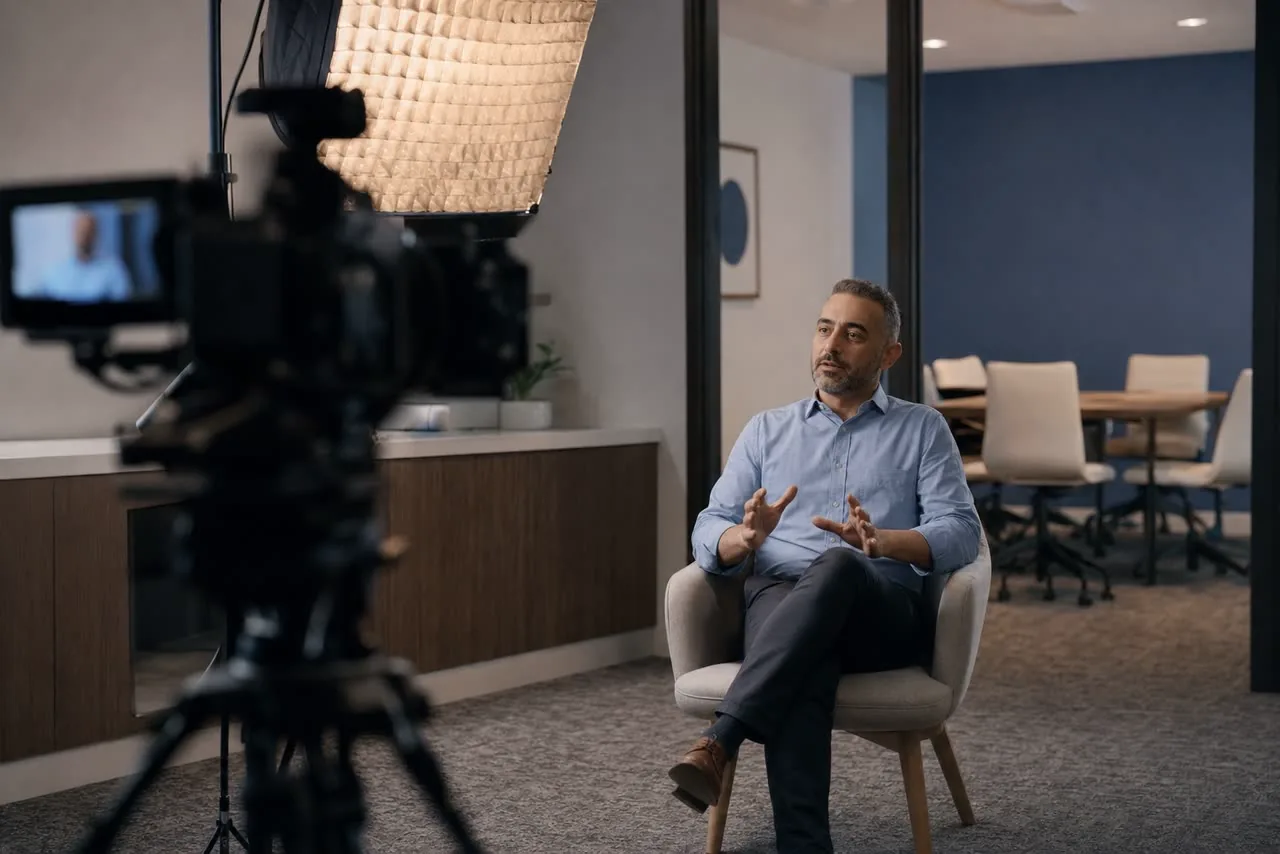
Full delivery package, ready to share with agent and brokerage.

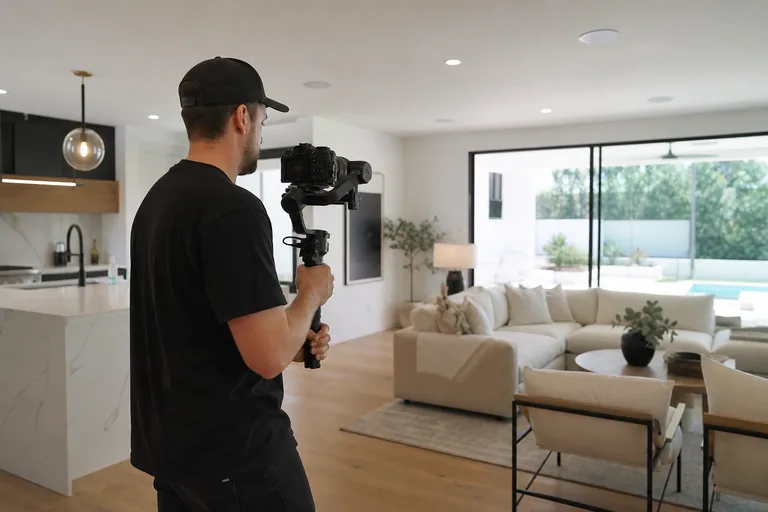
Hero Walkthrough
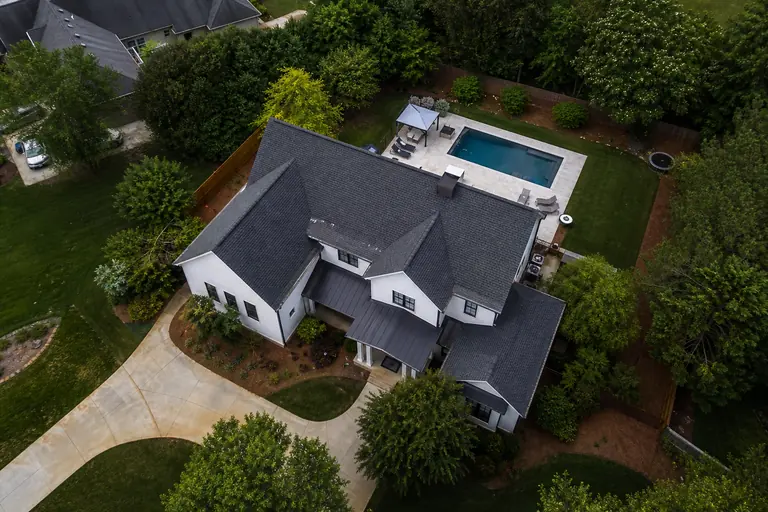
Drone Reel
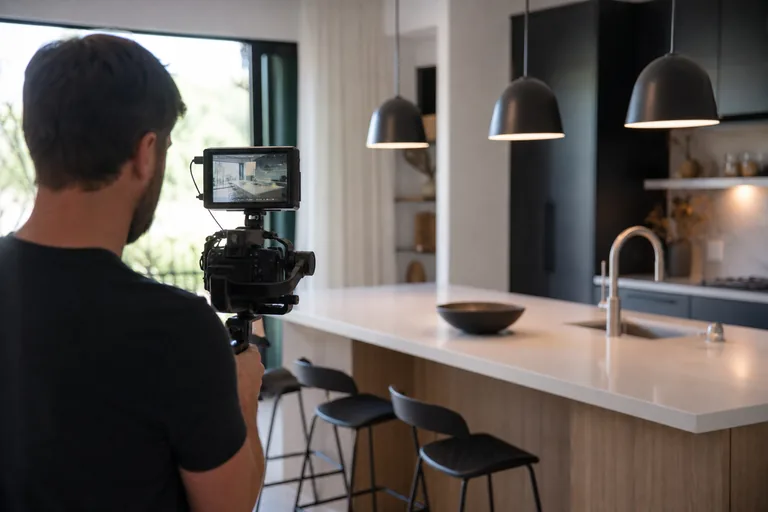
Social Cut (Vertical)
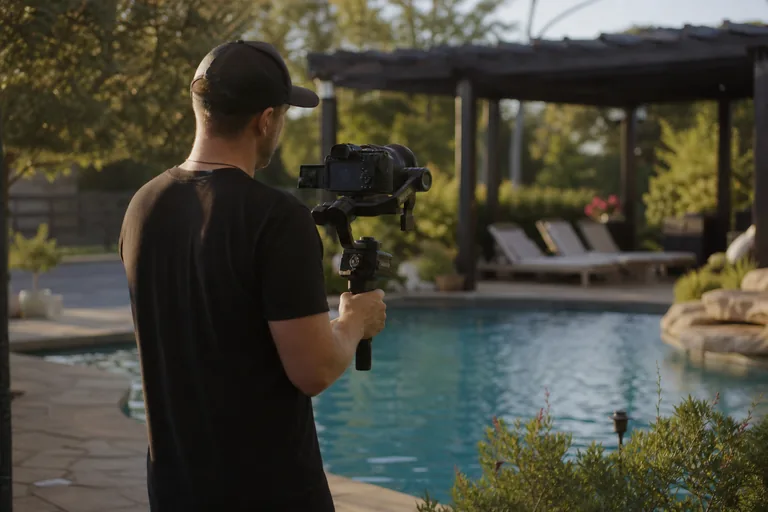
Backyard Feature
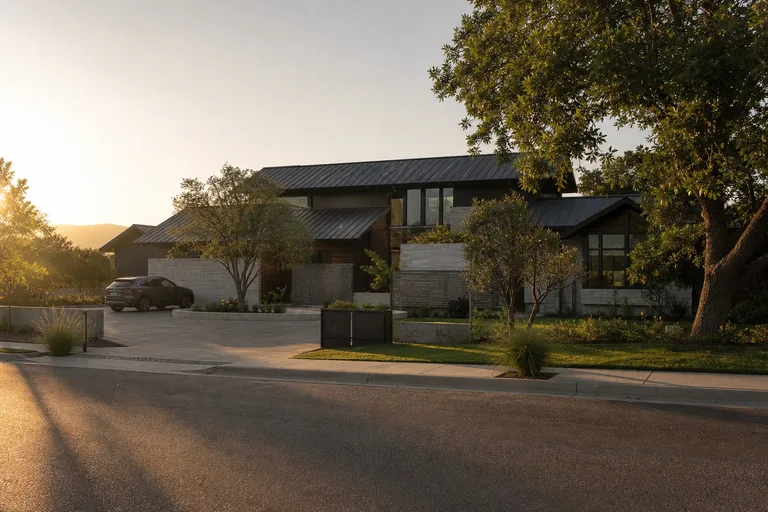
Sunset Drive-by
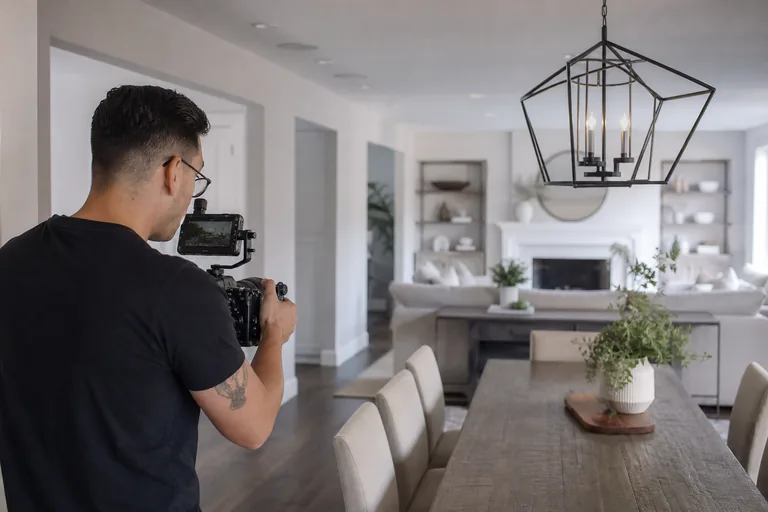
Full Walkthrough (Agent Cut)
Listing Photos.zip
184 MB
Property Details.pdf
0.9 MB
MLS Description.docx
32 KB
Powered by MyStdio
Why real estate work fits a portal
High volume, short turnaround, repeat clients, standardized packages. Almost every constraint of real estate videography is what a portal is built for.
Listings have a clock
A wedding film can land a week after the wedding and no one cares. A listing video that lands three days after the property hits the MLS is already late. MyStdio collapses the gap between shoot and delivery. Upload, the project is live, the agent has the link.
Multiple stakeholders, one source of truth
Listing agent, co-agent, brokerage marketing team, sometimes the homeowner. They all want links, they all want different cuts. A branded project page handles every audience without you re-sending the file four times. Each stakeholder bookmarks the same URL.
Standardized deliverables, reusable templates
Almost every property gets the same package: hero walkthrough, drone reel, vertical social cut, square social cut, sometimes a full agent walkthrough. Set the template once, duplicate it per property. You stop rebuilding the same project structure 200 times a year.
From shoot to agent inbox
Four steps, repeatable for every property. The first one is the only one that takes more than a few minutes.
Shoot the property
Hero walkthrough, drone, exterior, key feature rooms. Same kit, same shot list you already use. MyStdio does not change the production side.
Upload the cuts
Drop the hero film, drone reel, vertical Reel, square feed cut into the project. Transcoding to web-ready resolutions runs automatically in the background. No render queue, no manual format conversion.
Portal builds the package
The project page lays out all deliverables in a gallery view with the property name across the top, your studio logo, your brand colour. The agent sees a polished listing page, not a folder of mp4 files.
Notify the agent, they share onward
Send one link. The agent shares it with the co-agent, the brokerage marketing team, and the homeowner without re-uploading anything. Every viewer gets the same branded experience.
Shoot 5 properties Tuesday. Deliver 5 by Wednesday.
Real estate videographers do not have a once-a-month delivery cadence. The week before a busy weekend you might cut a dozen properties. The portal is built so the bottleneck is your edit, not your delivery system.
Reusable templates
Save your "Standard Listing Package" once: hero, drone, vertical, square, agent cut. Duplicate it for every new property in seconds. The structure is identical, only the property name changes.
Background transcoding
Upload once, MyStdio handles encoding to multiple resolutions through Bunny Stream. You close your laptop, the package is ready by morning. No render queue blocking your machine.
One link per property
The agent gets a single project URL. They forward it to the brokerage, the co-agent, the homeowner. You do not re-upload, do not re-email, do not chase down the right WeTransfer link two weeks later.
One persistent portal per agent
Real estate videography is a repeat-business game. A 50-property-per-year listing agent is the entire account. MyStdio is built around the agent relationship, not the one-off project.
A portfolio view of every listing
Each agent (set up as a company in MyStdio) gets a persistent portal that shows every property you have shot for them. Recent listings sit at the top, older ones stay accessible. It is a record of the relationship, not an inbox archaeology project.
Your brand on every project
Free includes your logo, brand colour, and studio name across every listing page. Studio adds a custom domain like portal.yourstudio.com so agents see your URL in the address bar instead of mystdio.com.
Per-agent file library
Client Files stores everything specific to each agent: their headshot, their brokerage logo, the MLS description template they prefer, reference photos. My Files stores your studio-wide files (LUTs, intros, contract templates). You stop hunting through Dropbox for the agent's logo before a deadline.
Quotes that match per-property pricing
Set up a quote template for your standard listing package and your add-ons (extra drone, twilight shots, video tour). Send a quote per property in 30 seconds. Agents approve it inside the portal, you start the shoot.
Comments anchored to the frame
If an agent wants to tweak a cut ("re-edit the kitchen pan," "trim the intro") they leave a timestamped comment on the exact frame. No "around 0:42 the music is too loud" emails. Reviewers comment without creating an account.
Public showcase pages for the homeowner
Need to share a clean hero-only view with the homeowner for their records? Generate a public showcase page from the project, optionally password-protected. Keep the full package on the agent's side, hand the homeowner the polished version.
Set up your listing workflow
Most real estate videographers go from sign-up to first property delivered in under an hour.
- 1
Set your brand once
Upload your logo and pick your colour. Your studio name goes on every project page automatically. Free includes this. Studio adds a custom domain like portal.yourstudio.com so agents see your URL in the address bar.
- 2
Create a company per agent
Each listing agent becomes a company in MyStdio. Their portal collects every property you shoot for them. Add the agent as a client user once and they have a persistent login to every listing in their pipeline.
- 3
Build your standard listing template
Set up a project template with your default deliverables: hero walkthrough, drone reel, vertical social cut, square social cut, agent walkthrough. Save it. Every new property starts from this template in seconds.
- 4
Shoot, upload, deliver
Duplicate the template for the new property, name it after the address, drop the cuts in. Background transcoding handles encoding. Send the agent the link, same day or next morning.
Related guides
Video production quote template
Line-itemed quotes that match per-property pricing, with worked examples for standard listing packages.
Video invoice template
A clean, brandable invoice format for the agents and brokerages you bill every week.
MyStdio vs Dropbox
Why expiring Dropbox links break when a listing sits longer than 30 days, and what to deliver real estate video through instead.
MyStdio vs WeTransfer
The cost of WeTransfer 7-day expirations when an agent comes back two weeks later asking for the social cut again.